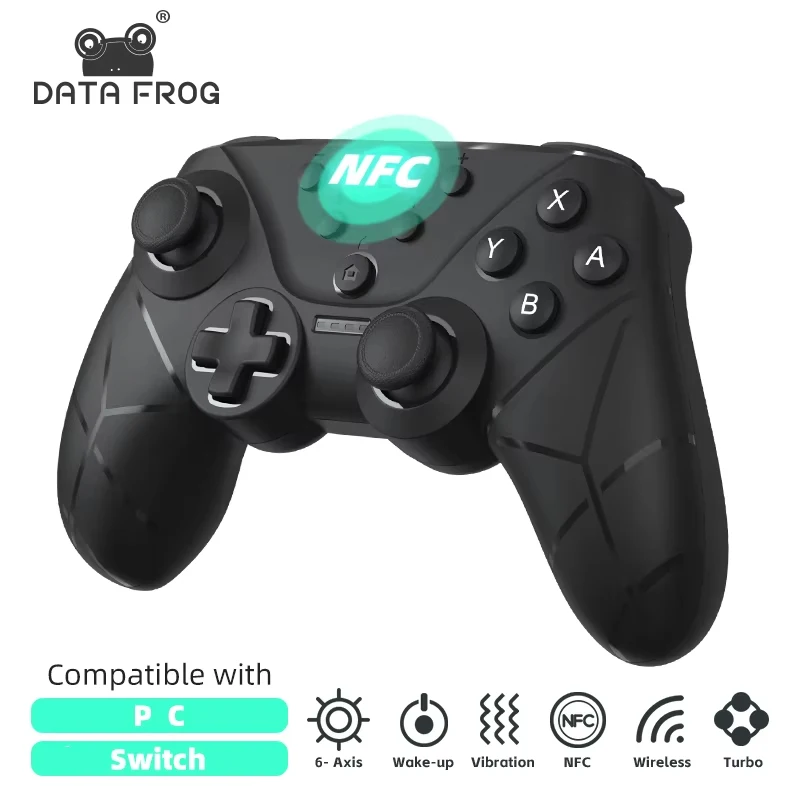
DATA FROG Ergonomic Wireless Gamepad Support NFC Screenshot Turbo Burst Gaming Handle For Switch Series
$153.00 USD
Sale price
$153.00 USD
Regular price
$0.00 USD
SPECIFICATIONS
Batterlife: 2.5~3h
Battery Included: Yes
Brand Name: DATA FROG
Choice: yes
Compatible Brand/Model: Nintendo
Compatible Nintendo Model: Nintendo Switch,Nintendo Switch OLED,Nintendo Switch Lite
Compatible Platform: Nintendo Switch,PC,Android,iOS,steam
Function 1: 6-Axis Vibratio
Function 2: Wake-upTurbo Screenshot
Function 3: support Windows 7 and above system
Function 4: For Switch/Switch Lite/OLED/PC
Function 5: Wireless Bluetooth Gamepad
Function 6: For Switch Controller
High-concerned chemical: None
Interface Type: USB,Bluetooth
Origin: Mainland China
Package: Yes
Trigger Button Type: NONE
Type: Gamepads
model: Data Frog SW788 Switch Controllers
WIRELESS CONTROLLER FULLY FUNCTIONAL
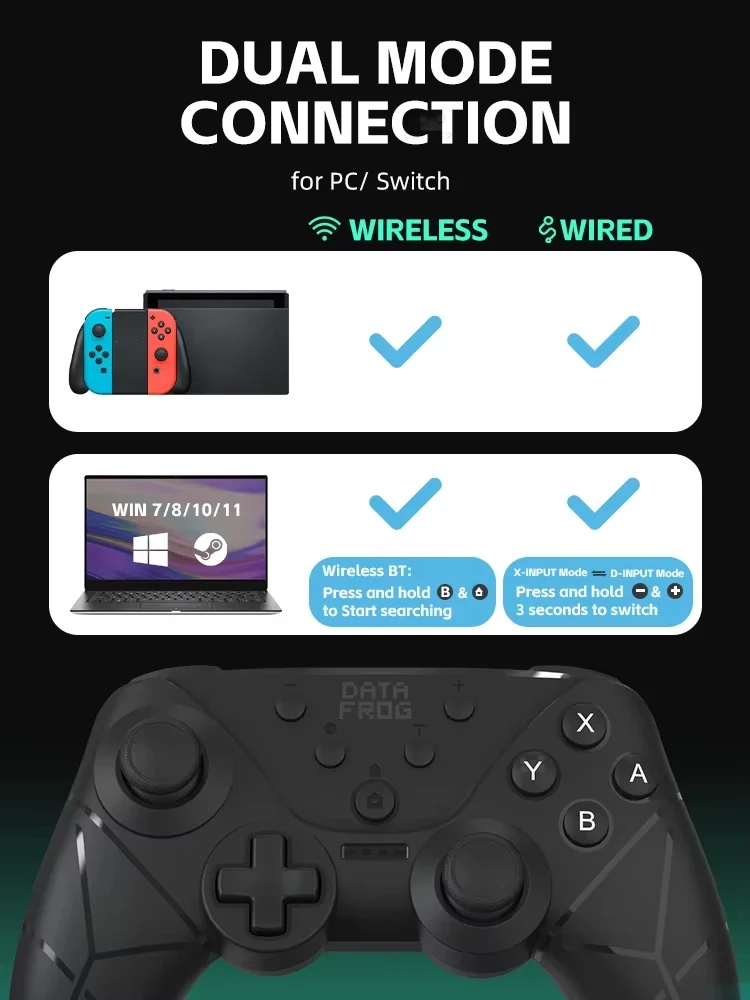
Bluetooth connection to SWITCH host.
a. Press and hold the HOME button Press and hold for about 3 seconds,and the channel light No.1-4 flash into Bluetooth matching mode.
b. Open the SWITCH console, click the "Handle" icon on the home page of the console, then click "Change Grip/Order", and wait for the handle to connect.
c. After the connection is successful, you can directly press the HOME button to wake up the host and connect the handle back.
Wired connection to SWITCH host.
a. Select Settings → Controller and Sensor at the bottom of the SWITCH host → icon at the bottom of the main interface of the SWITCH console, make sure that the option status is on;
b. Connect the handle and the host with the OTG conversion head and data cable when the handle is turned on;
c. The LED1 indicator flashes and the handle is connected successfully.After the connection is successful, unplug the data cable handle, and it will connect by itself.
d. If you use the SWITCH base, you can connect the base of the handle directly with the data cable. After the connection is successful, unplug the data cable handle, and it will connect by itself.
e. If the currently connected handle is a P2 handle, LED1+LED2 is long and bright at the same time.
NFC function
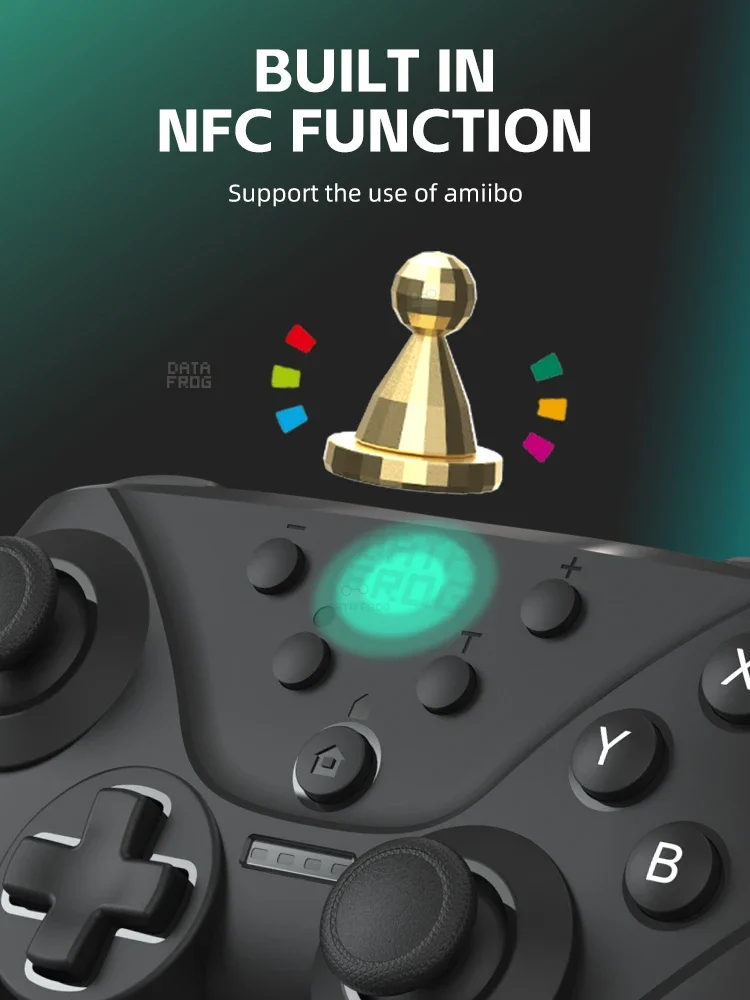
The gamepad has built-in NFC sensing fuction,when the controller is connected to
the Switch host Bluetooth,if the game supports the amiibo function,you can use the amiibo figure to activate the corresponding props in the game at the gamepad LOGO.
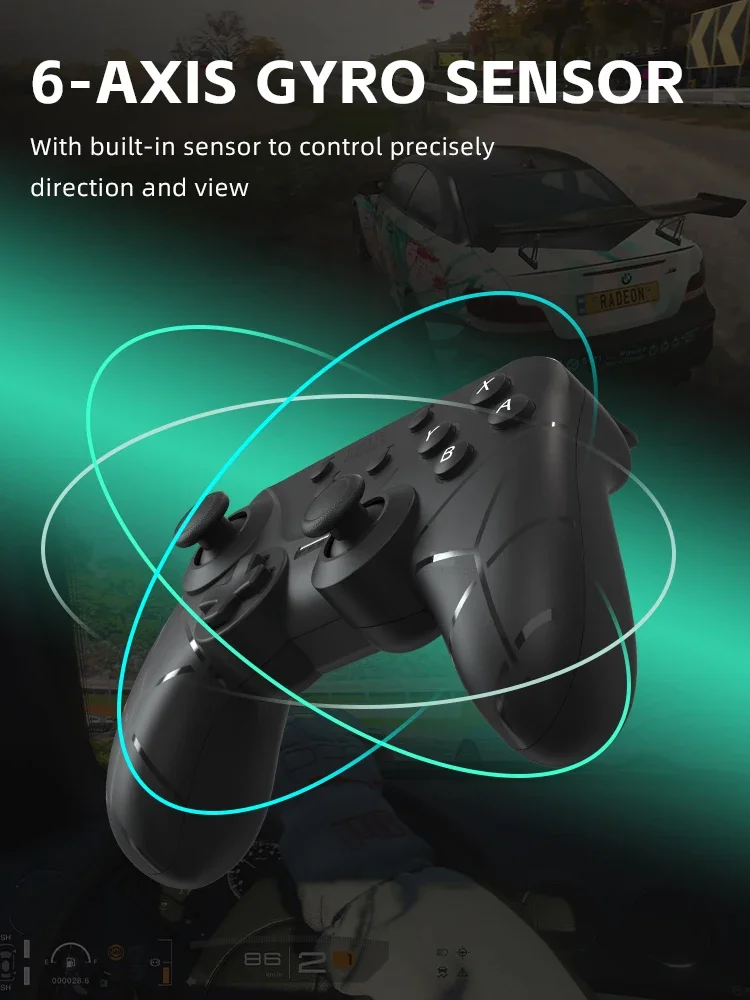
Six-axis correction
a. A+Minus button+HOME: In the sleep state, first press the minus keyto remain unchanged, and then press HOME, the handle indicator flashes left and right, and enters the sensor calibration mode.
b. Put the handle in the horizontal position, then press the '+' key and release, the handle enters the calibration, after the calibration is over,the 4 LED lights are fully lit for 3s and automatically enter sleep.
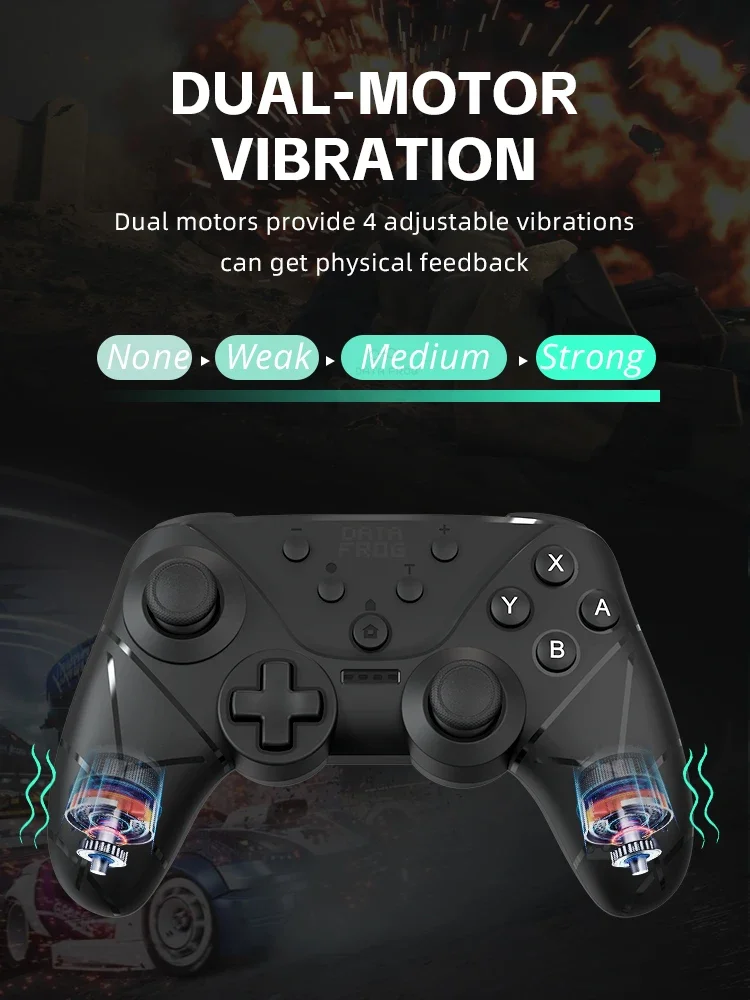
Handle vibration adjustment function
After connecting the machine, TURBO key + left 3d up and down to adjust the motor vibration intensity, four gears adjustable: 0 (off vibration) --- 30% (weak)--- 70% (medium) --- 100% (strong),power-on default 70% (medium).
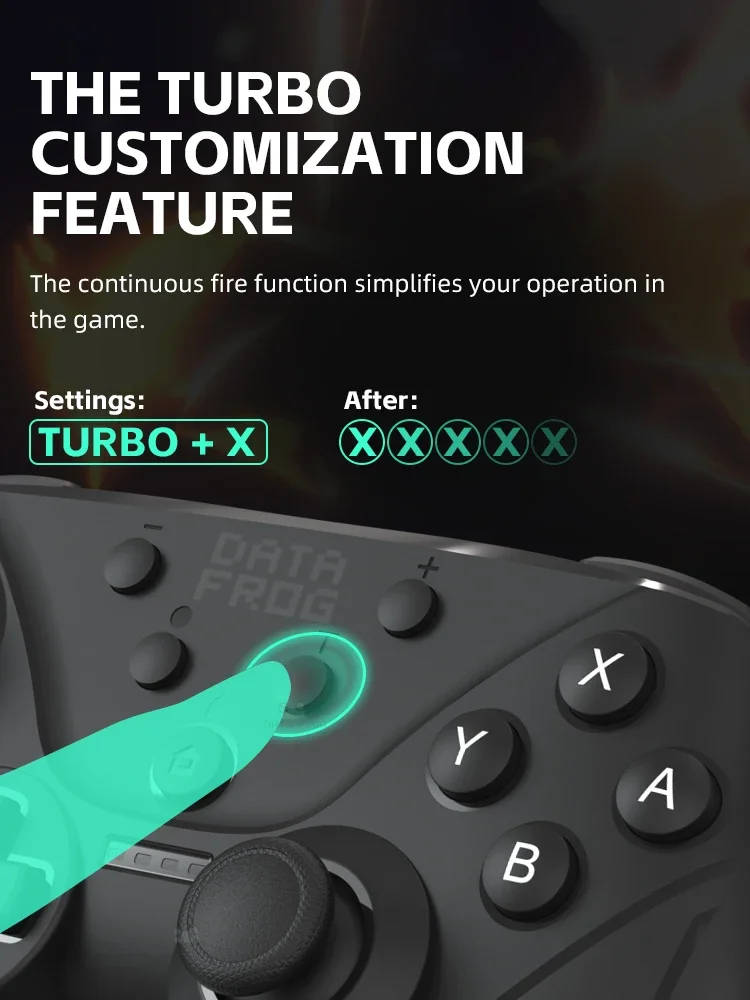
Accessibility TURBO
A. TURBO function (any connection mode, any mode supports burst function)
B. The buttons that can set the TURBO funclionare: A, B,X,Y,L, R,ZL, ZR.
c. TURBO settings: regular burst settings, press "and Function keys" at the same time
d. TURBO clearing: Press "T and Function Key" at the same time to cancel the burst function of the key.
e. TURBO buttons are all cleared: one is to press "T and -" at the same time to cancel the burst button function of all settings.
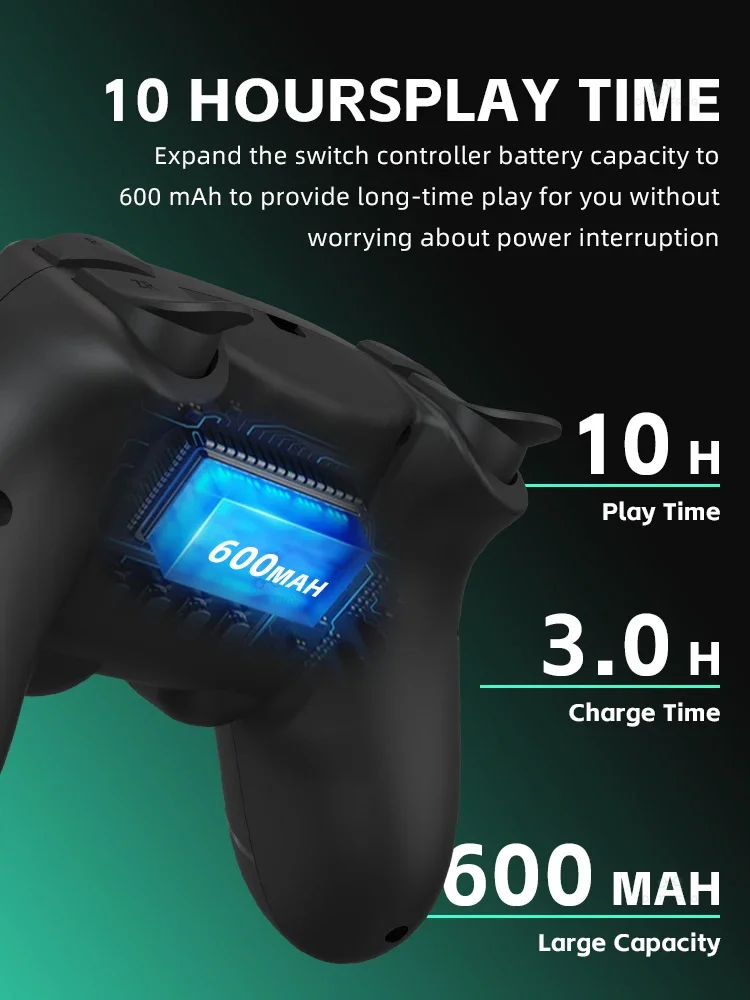
10 HOURSPL AY TIME
Expand the switch controller battery capacity to 600 mAh to provide long-time play for you without worrying about power interruption
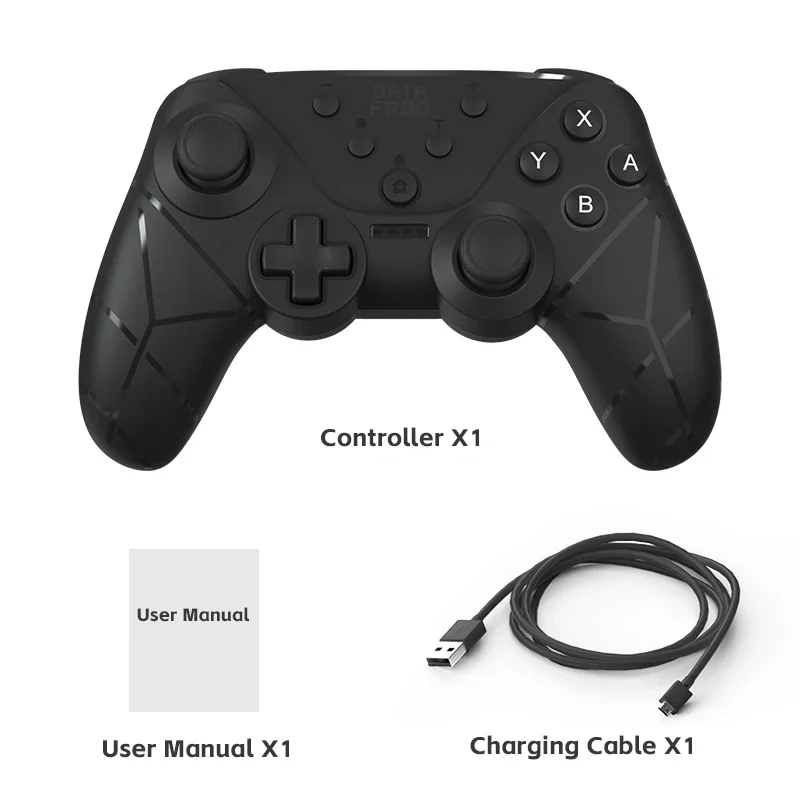
Product List