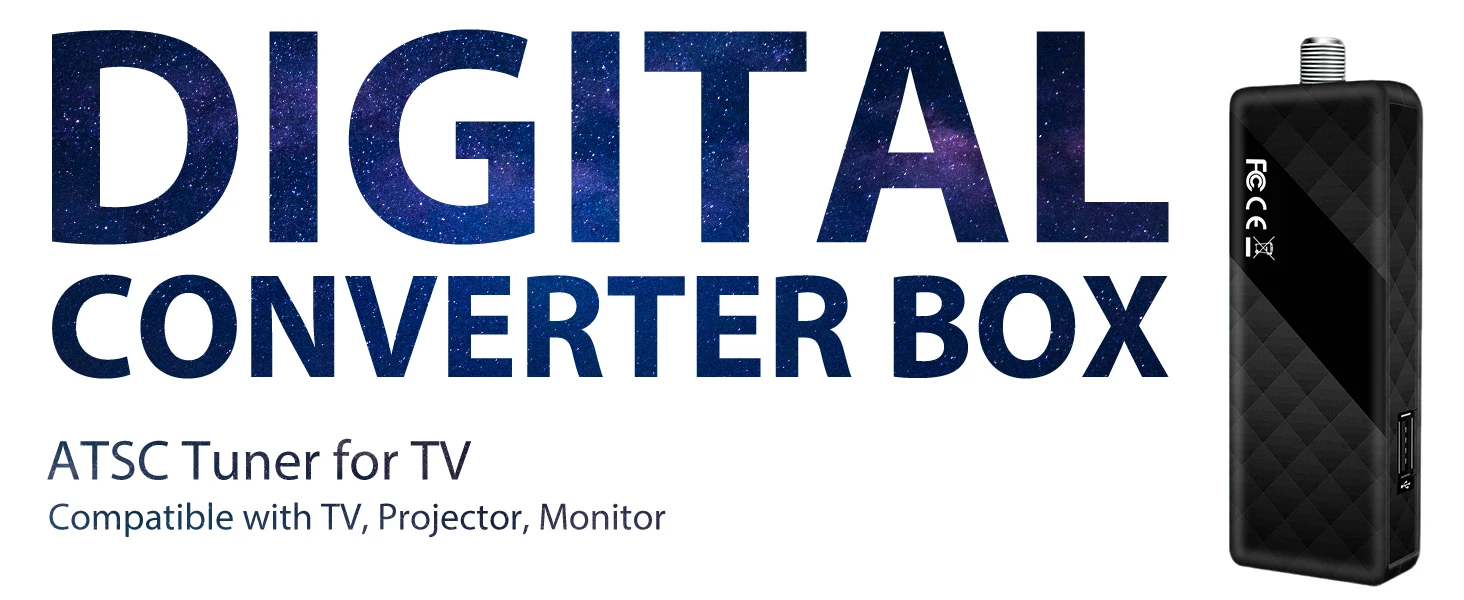
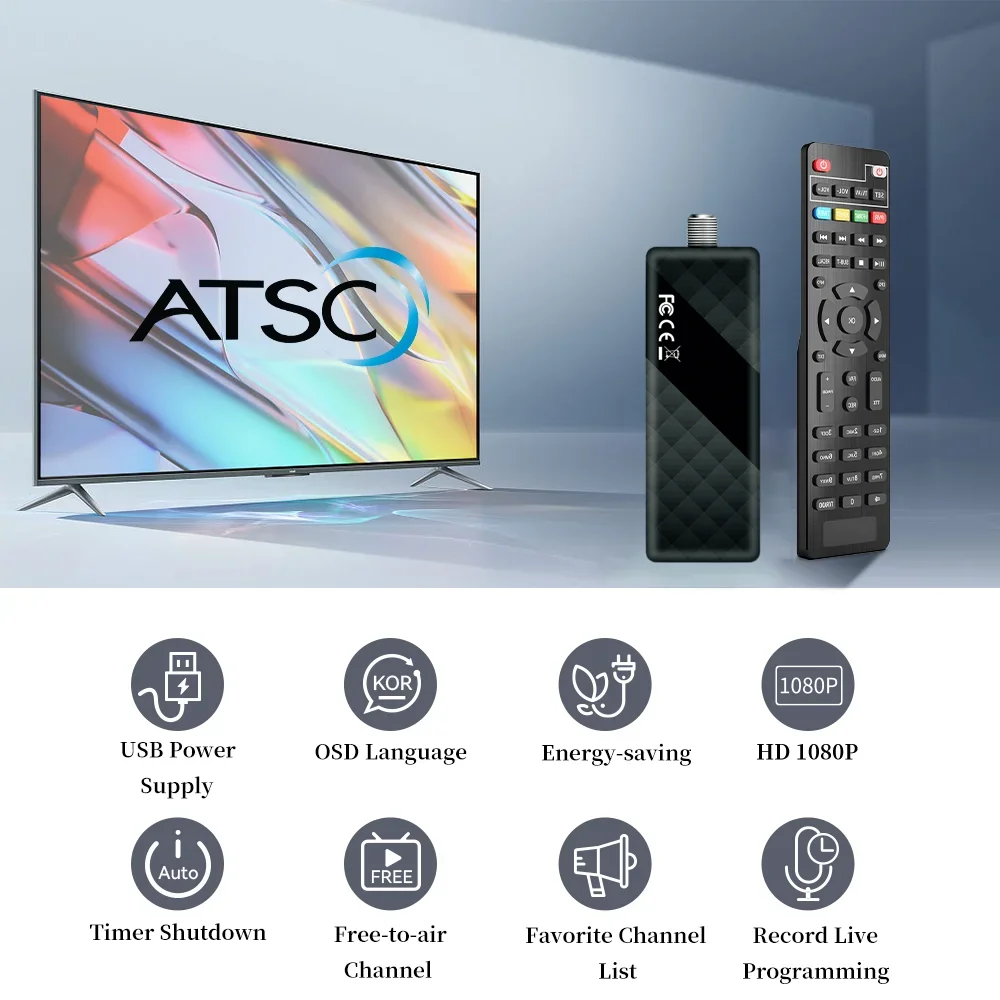
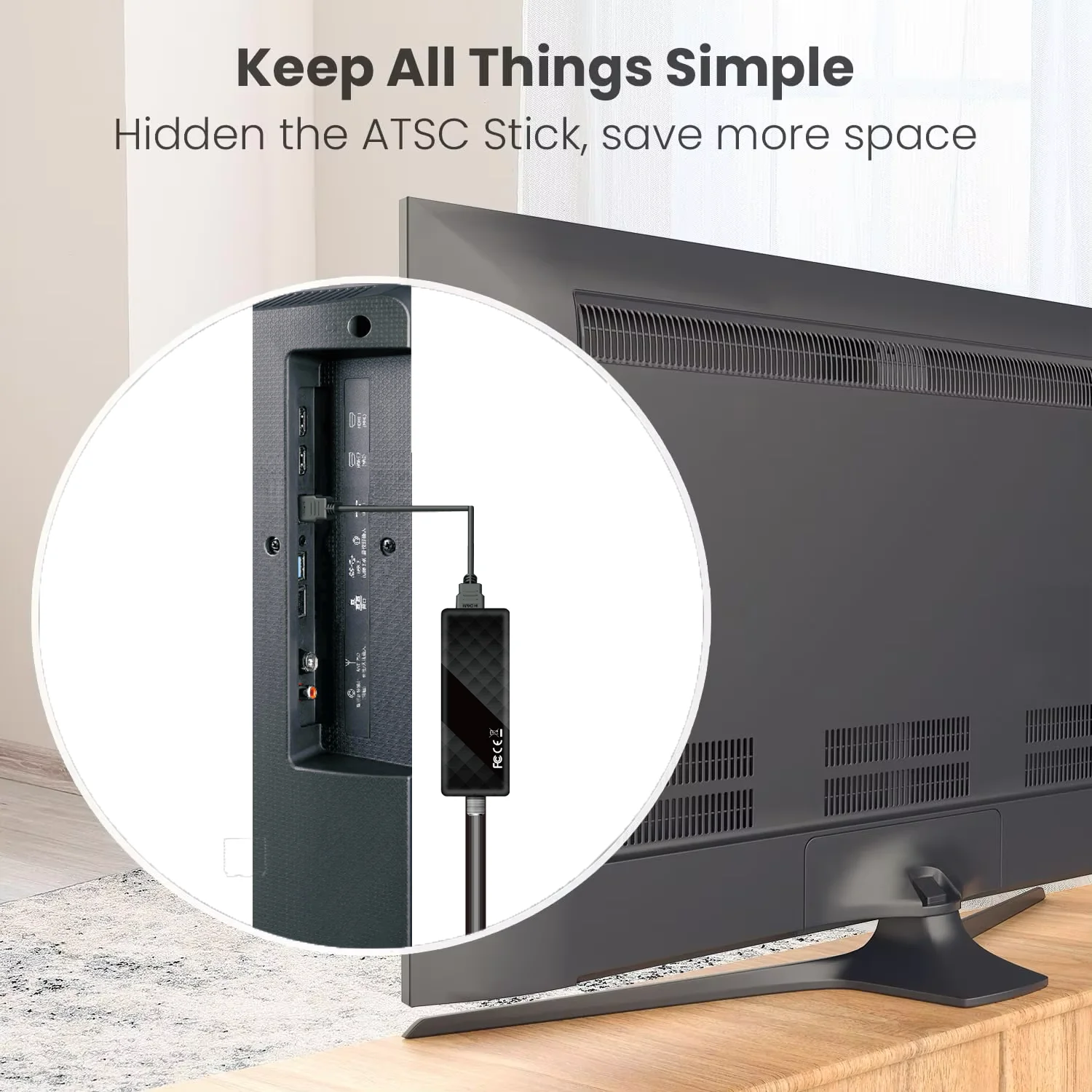
DLUXURY Digital Converter Box for TV, Mini ATSC Tuner [Hidden Behind TV], Watch & Record Free Over-The-Air Channels
$152.98 USD
Sale price
$152.98 USD
Regular price
$0.00 USD
SPECIFICATIONS
Brand Name: DLUXURY
Certification: CE,FCC,RoHS
Choice: yes
FTA(Free To Air): Yes
High Definition: Yes
High-concerned chemical: None
Model Number: DL01
Origin: Mainland China
Package: Yes
Type: DIGITAL
With USB Wifi: No
Why can’t I find ATSC channels, only NTSC?
If your device only shows NTSC and cannot receive ATSC channels, please check the following setting:
1.Go to the menu and select Signal Type.
2.Choose Air (for ATSC over-the-air digital TV).
3.Run Auto Scan again.
Note:
NTSC/PAL is only for AV output to your TV, it does NOT affect ATSC channel reception.
Please make sure you have selected Air mode for ATSC digital channels.
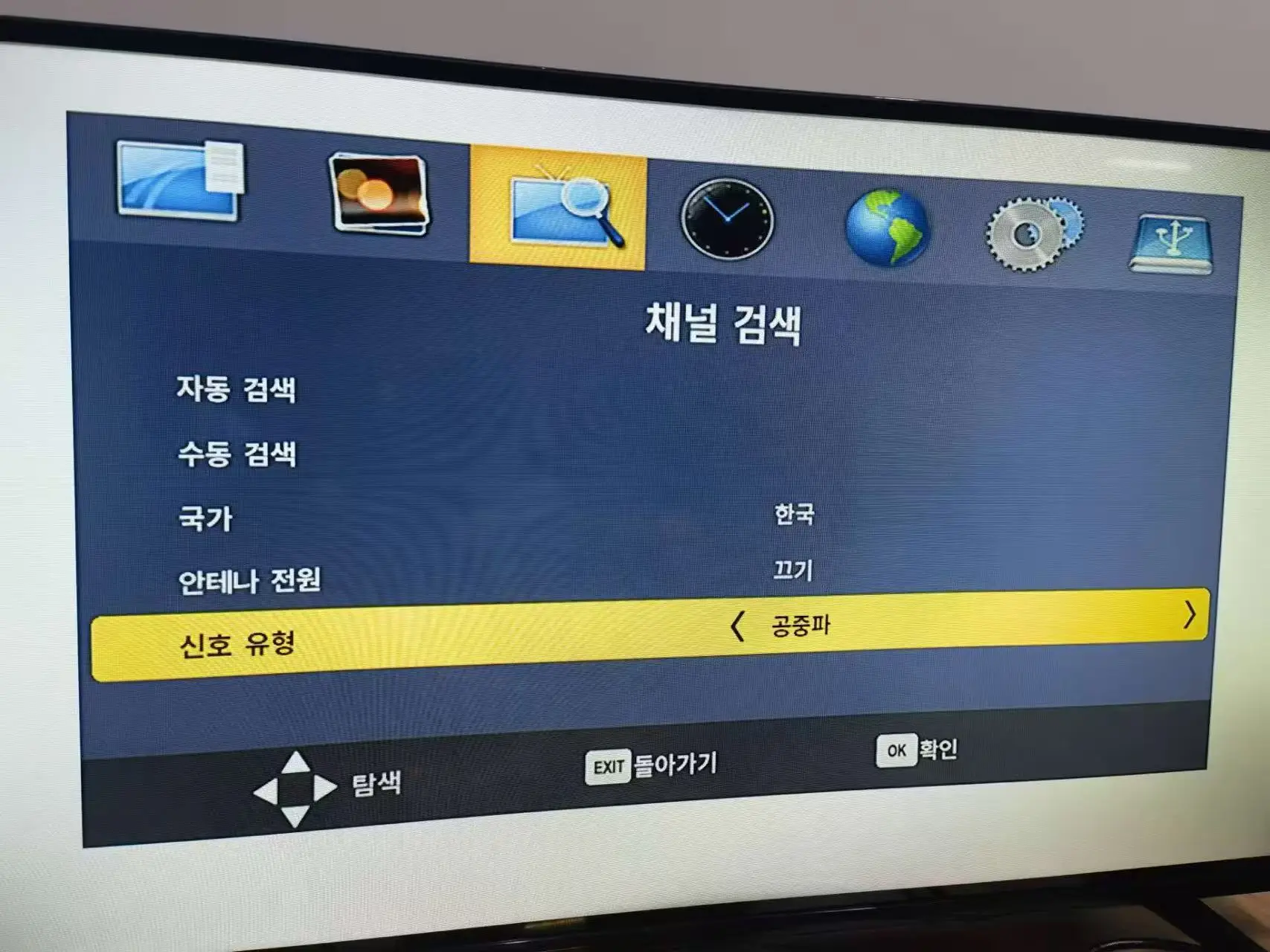
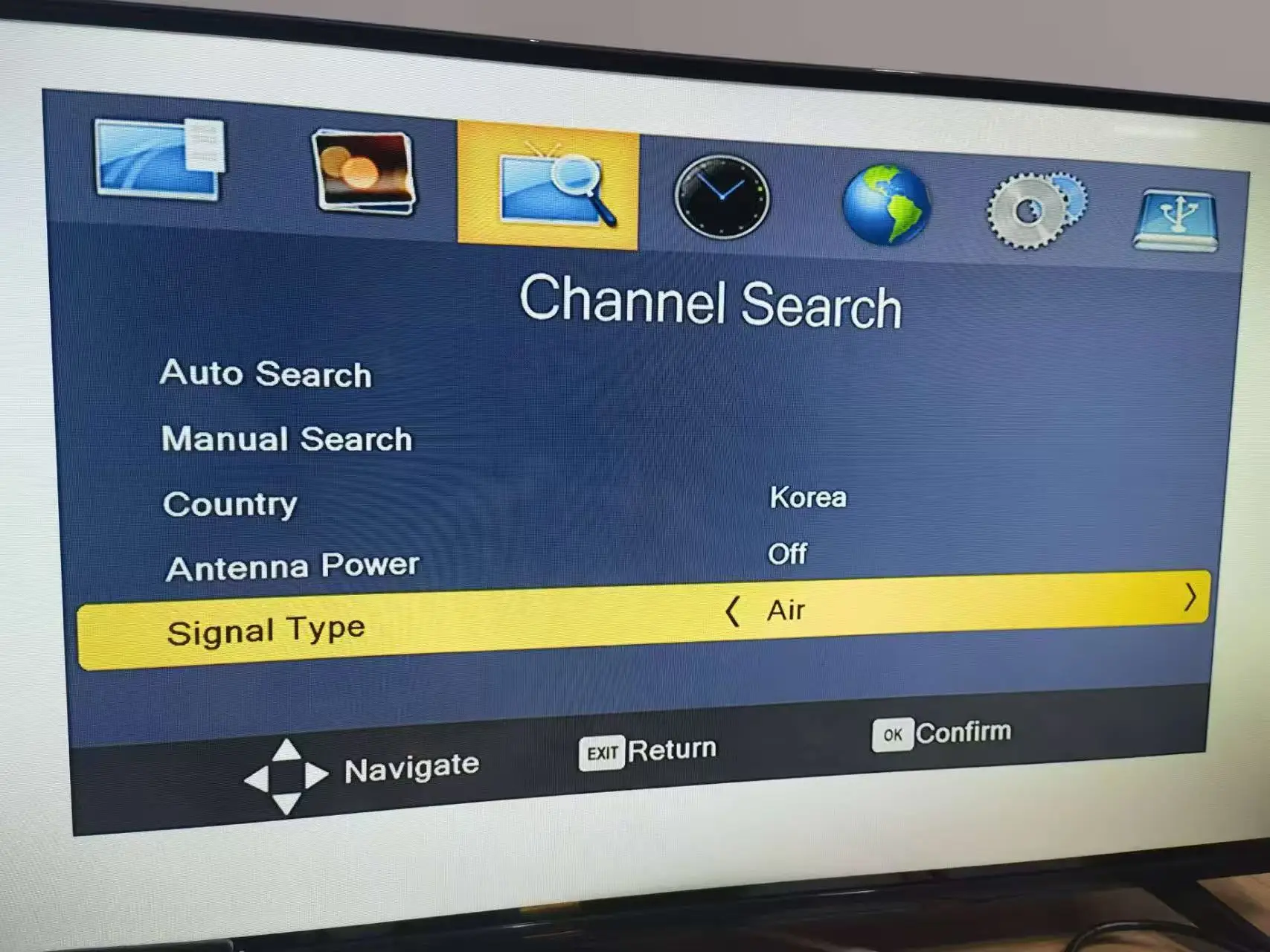
Product Manual: English & Korean Language Options
Compatibility Notice
This product is designed for use only in the United States, Canada, Mexico, and South Korea. It will not function properly in other countries, so please refrain from buying if you are not in the supported regions.
Country/Region Settings
1.If used in the United States, in the country selection settings, you can choose from EASTERN, CENTRAL, MOUNTAIN, PACIFIC, ALASKA, and HAWAII.
2.If used in Canada, in the country selection settings, you can choose NEWFOUNDLAND and ATLANTIC.
3.The United States and Canada have large areas, resulting in different time zones. To accurately display the time, we have set up regional time zone distinctions.
4.If used in Korea,Choose Korea.
5.If used in Mexico,Choose Mexico
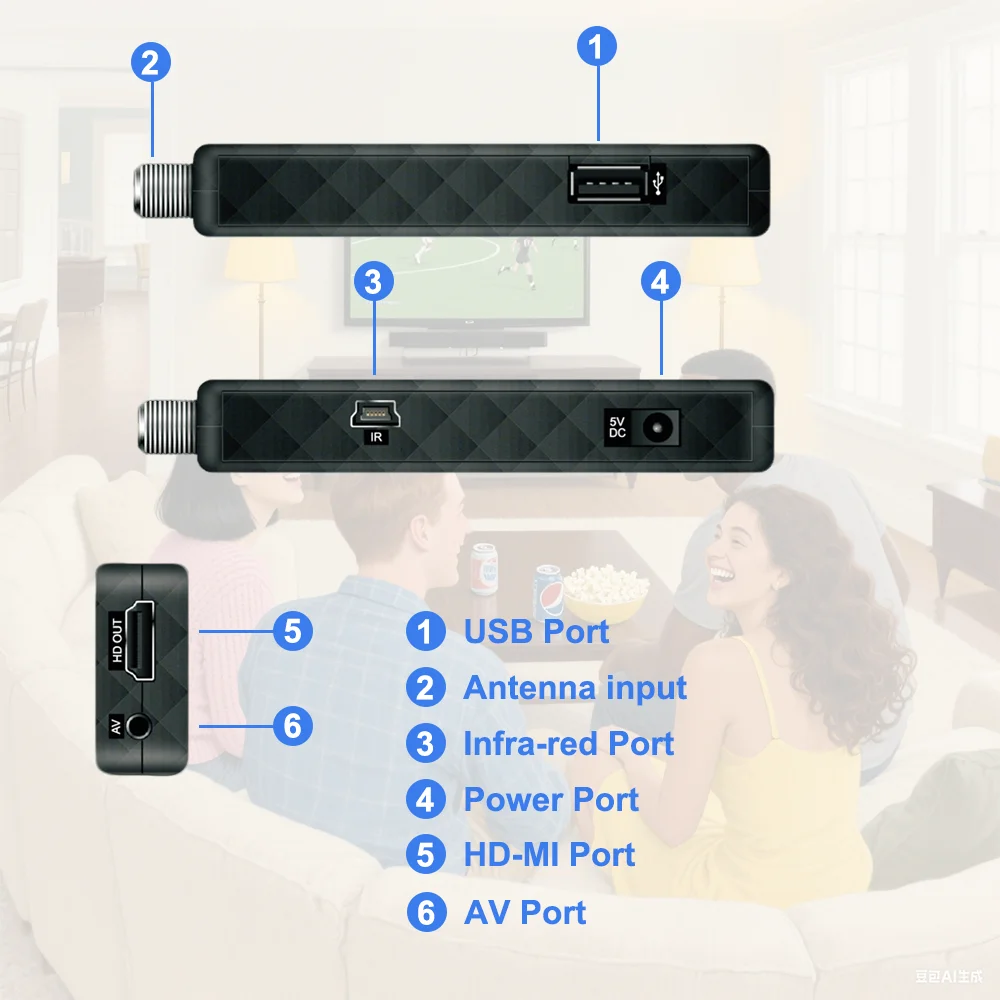
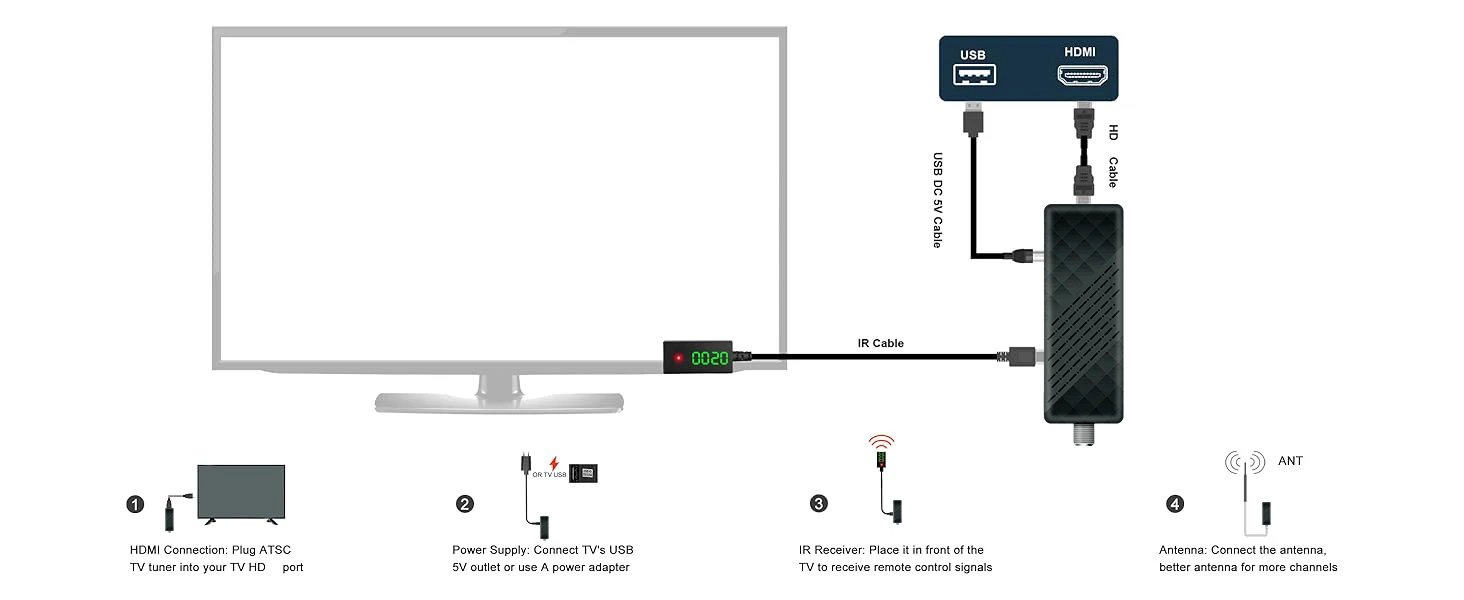
FAQ
1.How many TV programs can be searched for?
A:Signal coverage range: If the user's area has good signal coverage, the set-top box can receive more programs; conversely, it may only be able to access a limited number of programs.
2.Why are there no TV programs?
A:The antenna must be placed in an open environment without any signal interference, and its signal reception function must be normal. The function of the set-top box is to convert the signals received by the antenna into audio and video and then transmit them to the TV.
3.No picture
A:Power isn’t connected,Connect the power
The power switch is not on,Switch on the power
4.Screen shows“No Signal”
A:ATSC cable not connected,Plug in the ATSC cable。
Incorrect setting,Reset setting.
5.Remote Control is not responding.
A: The battery is exhausted,Change battery.
Remote Control is not facing or close enough to the Set Top Box,Adjust the position of the Remote Control and move closer to the unit
6.The image stopped suddenly or mosaic
A: The signal is too weak,Strengthen the signal.